
Connect Every Device to Your Core Systems
Bring data from factory sensors, fleet trackers and warehouse scanners into your ERP, dashboards and alerts, so device signals drive decisions instead of sitting in a separate app.
50+ ERP and software projects. Zero failed projects since 2021.
Device data that never reaches the systems that need it
Most factory and field devices already collect useful data. IoT integration is what gets that data out of the device and into the ERP, dashboard or alert that can actually use it.
Readings that stay on a screen instead of reaching your systems
Sensors and trackers usually work fine on their own. The problem is that their data stays on a local display or a vendor app, disconnected from the ERP, dashboard or alert that could act on it.
- Readings stay siloed on the device or its vendor app.
- Teams check status manually instead of getting an alert.
- Decisions get made on stale or missing data.
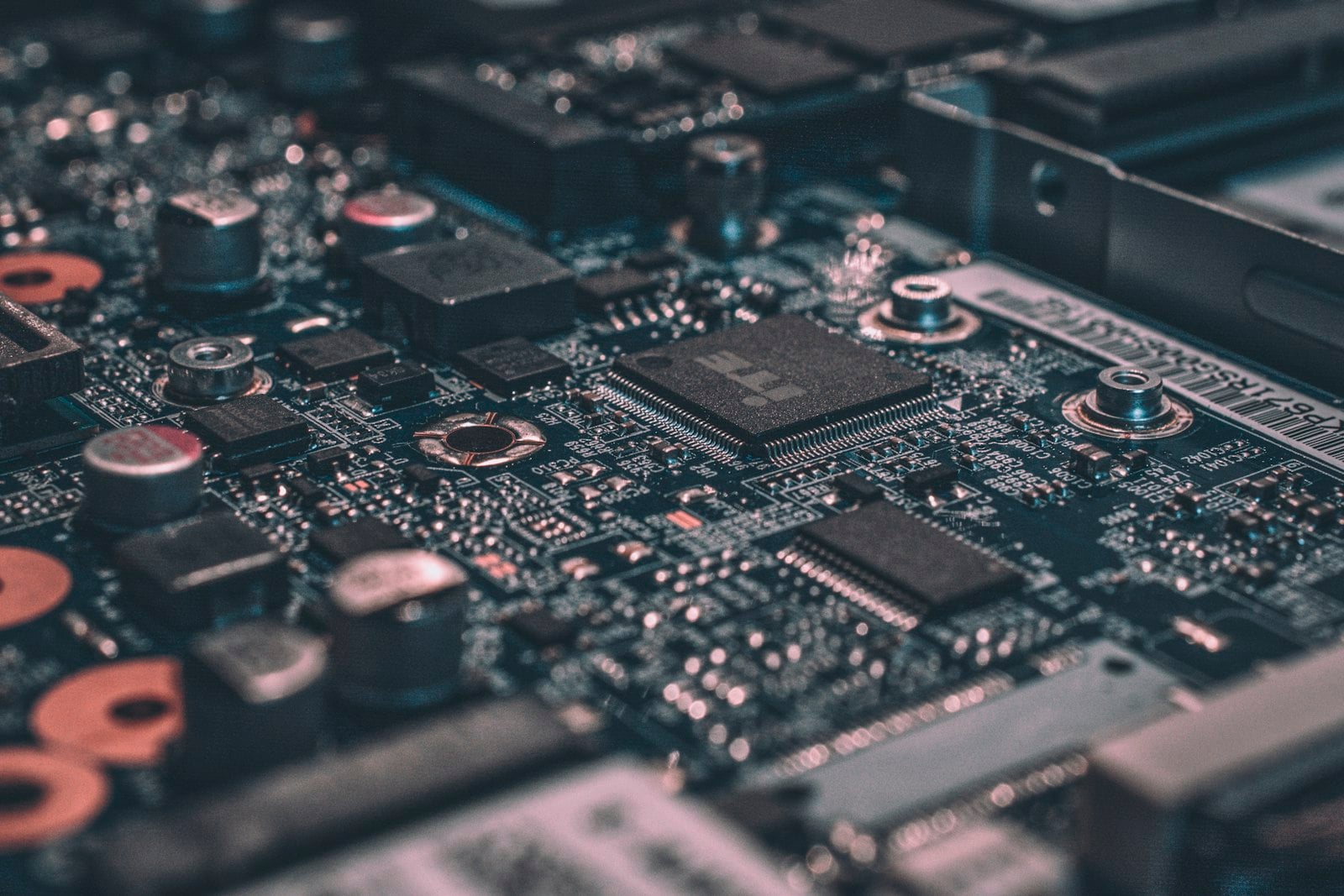
Every device reporting into the same system your team already checks
IoT integration connects your sensors, trackers and scanners into a single feed, routed into the ERP or dashboard your team already watches, instead of a separate screen per device.
- One consistent data format across device types.
- Device status visible alongside operations data.
- Alerts replace manual spot checks.
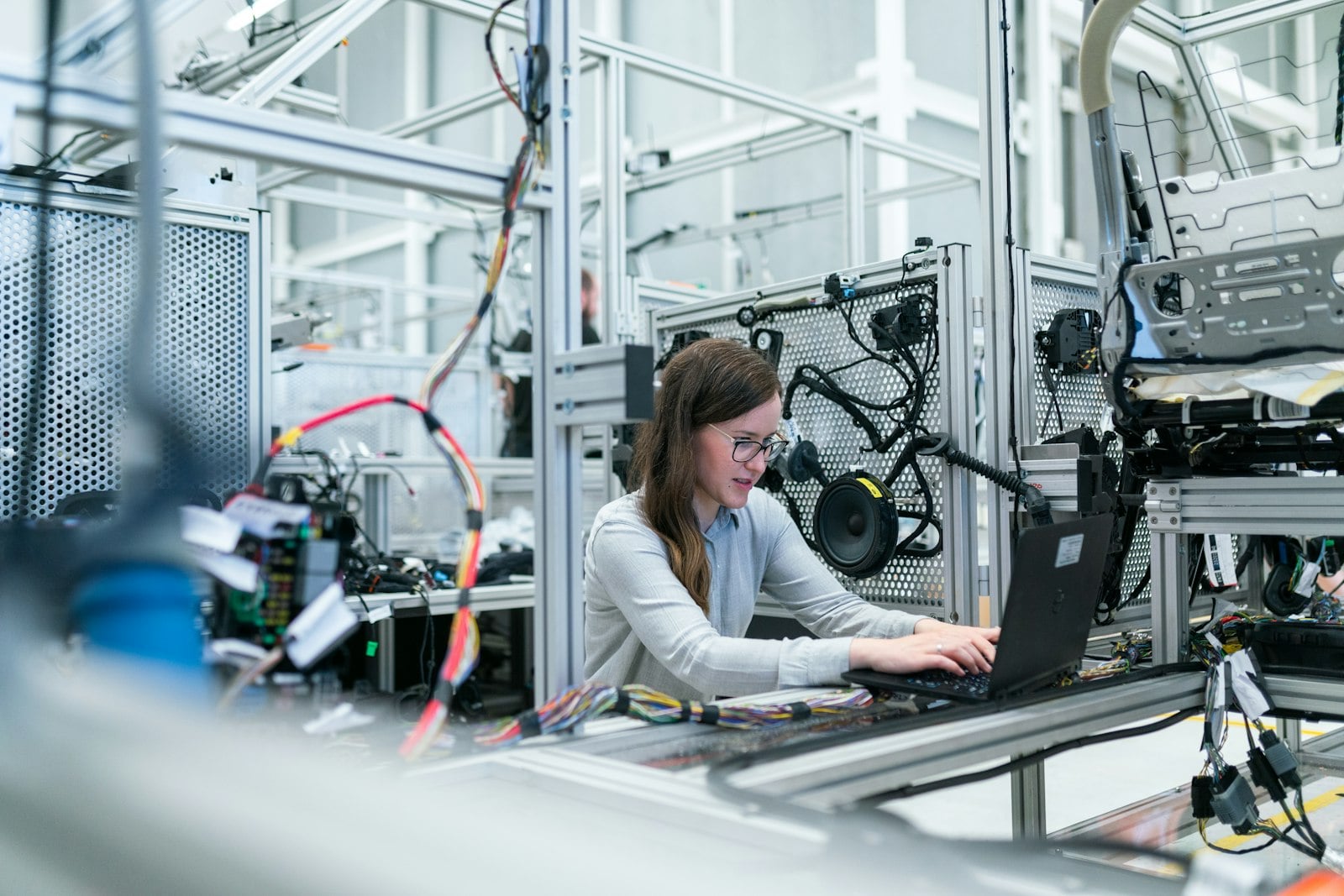
A live view of every connected device
Illustrative example. Your actual device list depends on what you connect and how many units you run.
From a device's raw signal to a live feed in your systems
Everything needed to get device data into your systems
Device connectivity
Integration with sensors, trackers and scanners across common protocols and gateways.
Data normalization
Readings converted into one consistent format regardless of device or vendor.
Live dashboards
Device status and readings shown on a dashboard your team already uses.
ERP data feed
Device data pushed into your ERP so it appears alongside your operations data.
Offline alerts
Automatic notification the moment a device stops reporting.
Ongoing monitoring
We watch the integration itself, not just the devices, so a broken feed gets caught early.
What IoT Integration changes for your team
Why teams choose TCB Infotech for IoT integration
IoT Integration, answered
What does IoT Integration actually cover?
Do we need to replace our existing sensors or hardware?
How does device data reach our ERP or dashboard?
What happens when a device goes offline?
How long does a typical IoT integration take?
Can this scale as we add more devices later?
Start Connecting Your Devices
Device data that stays on the device is a missed signal. Connect your sensors, trackers and scanners to the systems that can act on them, and turn scattered readings into one dependable feed. Book a free consultation and tell us which devices you want connected first.
Book a Free Consultation →No commitment. See an integration plan before you decide.
How IoT Integration Works
From a device's raw signal to a reading in your ERP or dashboard. Here is how we connect, normalize and monitor every device.
Connectivity, normalization and monitoring, in that order
Connected through whatever protocol the device already uses
We connect to each device through its existing protocol, API or a small gateway, so you are not asked to replace hardware that already works.
- Works with common sensor and tracker protocols.
- Gateway added only where needed.
- No hardware replacement in most cases.
One consistent format, routed to where it is used
Readings from different device types are converted into a single consistent format, then routed to your ERP, database or dashboard on a schedule or in real time.
- One format across every device type.
- Routed to the system that already uses it.
- Real-time or scheduled, depending on the case.

Issues flagged before someone has to go looking
Offline devices, threshold breaches and anomalies you define are flagged automatically, so your team finds out through an alert rather than a manual check.
- Automatic offline detection.
- Alert rules set to your thresholds.
- The integration itself is monitored too.

Everything included in the integration
Device connectivity
Integration across common protocols and gateways.
Data normalization
One consistent format regardless of device or vendor.
Live dashboards
Device status shown on a dashboard your team already uses.
ERP data feed
Device data pushed into your ERP alongside operations data.
Offline alerts
Notification the moment a device stops reporting.
Ongoing monitoring
The integration itself is watched, not just the devices.