
Migrate Your Data Without the Risk
Move customer records, orders, inventory and invoice history from your legacy database or spreadsheet-based system into your new ERP, CRM or platform, with every field cleansed, mapped and validated before go-live.
50+ ERP and software projects. Zero failed projects since 2021.
Moving data by hand is where migration projects go wrong
Years of customer records, orders, inventory history and invoices rarely live in one clean table. They sit across a legacy database, a handful of spreadsheets and whatever workaround someone built years ago. A data migration that skips cleansing and mapping just carries those problems into the new system, where they are harder to find and more expensive to fix.
Bad data in the old system becomes bad data in the new one
Duplicate customers, blank fields and inconsistent formats get resolved before anything loads into the new platform, not discovered after go-live.
- Duplicate and orphaned records identified upfront.
- Inconsistent formats standardized before load.
- Blank or invalid fields flagged for review.

A field mapped wrong is a report that is wrong for years
Every field in the legacy schema is traced to where it lives in the new ERP or CRM, documented and reviewed before a single record moves.
- Field-by-field mapping documented, not assumed.
- Custom fields and workarounds accounted for.
- Mapping reviewed with your team before migration.
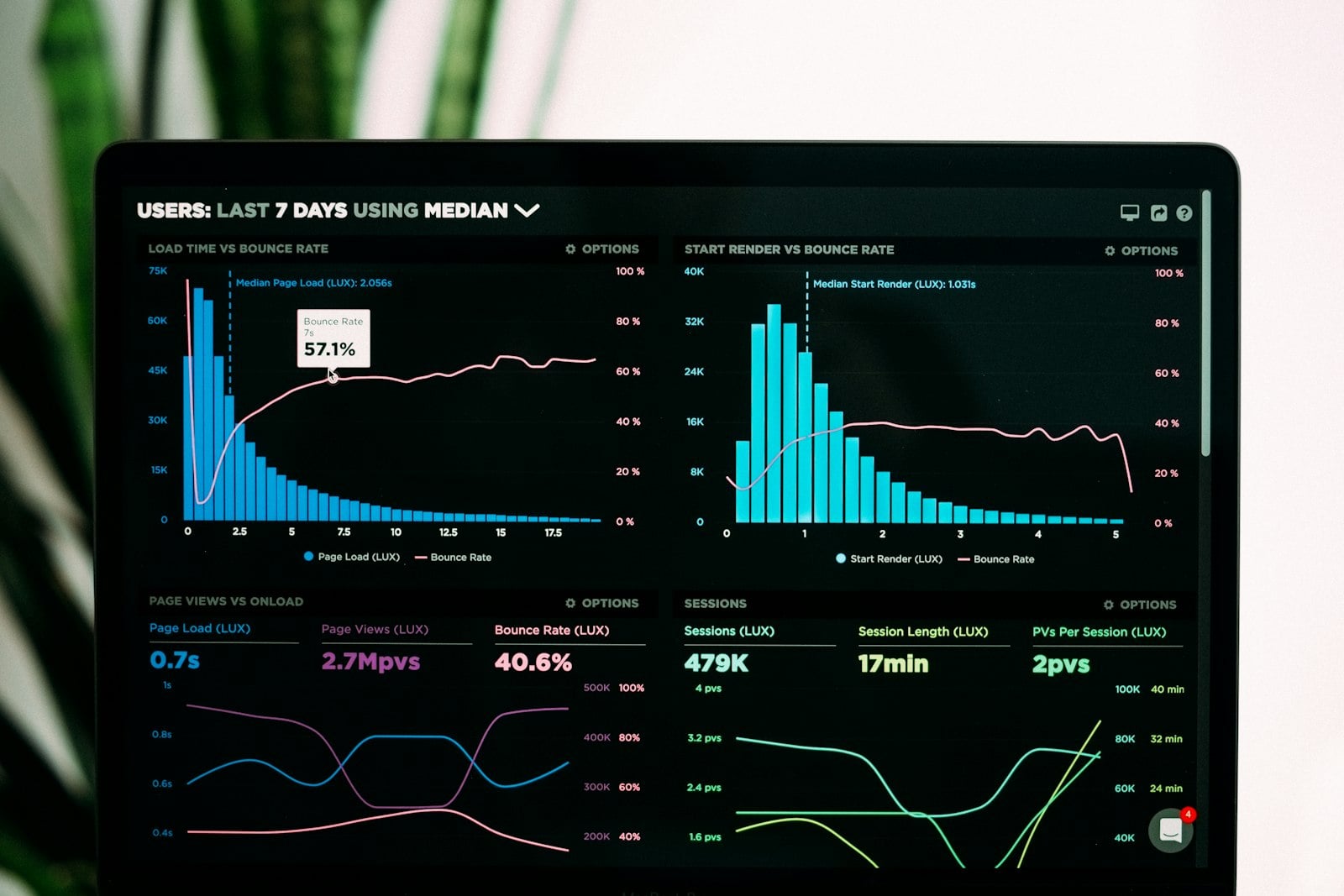
Every entity tracked until it is fully migrated and verified
Illustrative example. Your actual migration dashboard depends on the entities and record volumes in your system.
From a legacy export to a validated, live system
Everything needed to move your data safely
Data audit and profiling
A full inventory of the source data and a list of quality issues before any mapping starts.
Field mapping documentation
Every field traced from the old schema to the new one, reviewed with your team.
Cleansing and deduplication
Duplicate, blank and inconsistent records resolved before they reach the new system.
Migration scripts
Repeatable scripts that transform and load each entity, so a dry run can be re-run if needed.
Validation and reconciliation
Migrated records checked against the source, entity by entity, before cutover.
Rollback plan
A backup of the source data and a documented path back if something needs to be redone.
What data migration changes once it is done right
Why teams trust TCB Infotech with their data migration
Data Migration, answered
What data can be migrated?
How do you make sure no data is lost or corrupted?
Will there be downtime during the migration?
What if some legacy data is messy or inconsistent?
Can you migrate data into any ERP or CRM?
What happens if something goes wrong after go-live?
Start Your Data Migration
Legacy data does not move itself, and a rushed migration turns into months of cleanup after go-live. Cleansing, mapping and validation done upfront is what keeps a migration from becoming a second project. Book a free consultation and share the systems and data you need moved.
Book a Free Consultation →No commitment. See a migration plan before you decide.
How Data Migration Works
From a legacy export to a validated, live system. Here is how we audit, map, cleanse and migrate your data.
Audit, cleanse and validate, in that order
Every field traced before a single record moves
We audit the source system entity by entity, then document how each field maps to the schema of your new ERP, CRM or platform.
- Full inventory of source entities and fields.
- Known data quality issues flagged upfront.
- Mapping reviewed with your team before work starts.

Fixing the data before it becomes someone else's problem
Duplicate records, blank fields and inconsistent formats are resolved and transformed to match the new structure, using repeatable migration scripts.
- Duplicates and orphaned records resolved.
- Formats standardized to the new schema.
- Scripts re-runnable for repeat dry runs.

A dry run and reconciliation before the final cutover
A full migration runs against a test environment first, and record counts and totals are reconciled against the source before the live cutover happens.
- Dry run against a test environment.
- Record counts reconciled against the source.
- Rollback plan documented before go-live.

Everything included in the engagement
Data audit and profiling
A full inventory of the source data before any mapping starts.
Field mapping documentation
Every field traced from the old schema to the new one.
Cleansing and deduplication
Duplicate and inconsistent records resolved before load.
Migration scripts
Repeatable scripts that transform and load each entity.
Validation and reconciliation
Migrated records checked against the source before cutover.
Rollback plan
A backup and a documented path back if something needs redoing.