

Application Support That Keeps Systems Running
Bug fixes, user issue tickets, minor enhancements and uptime monitoring for the business applications you already run, all under a defined response-time SLA.
50+ ERP and software projects. Zero failed projects since 2021.
Applications drift without someone watching the queue
Bugs go unfixed, small requests pile up, and outages get noticed by users before anyone on your side does. A defined support queue and SLA changes that.
A defined SLA for every priority tier
Every ticket is triaged into a priority tier the moment it is raised, and each tier carries its own response-time target, so you know what to expect before work even starts.
- P1, P2 and P3 tiers matched to business impact.
- Response time agreed up front, not decided case by case.
- Status visible on every open ticket.
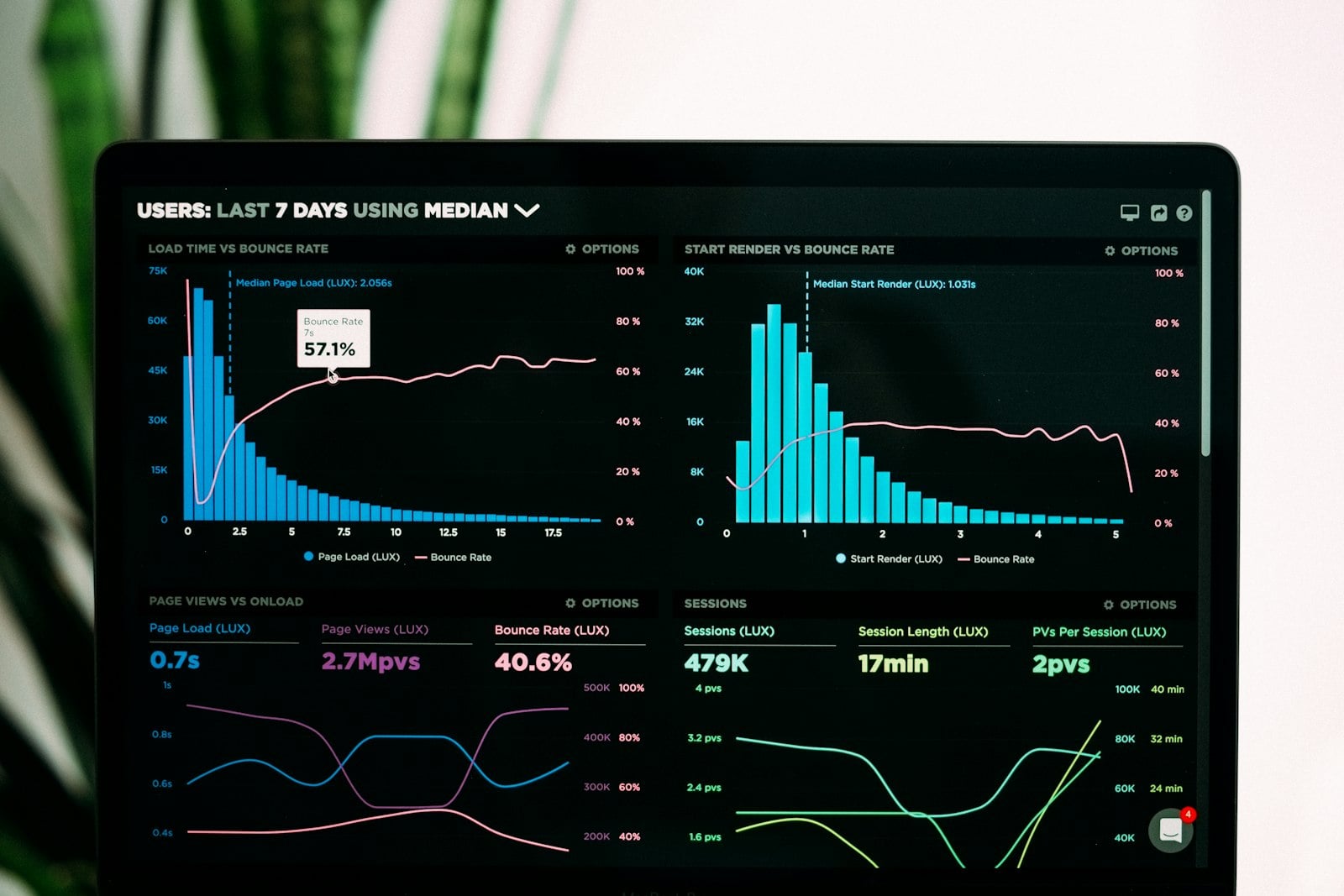
Minor enhancements and uptime monitoring, not only fixes
The same queue that handles bug reports also covers small enhancement requests and alerts raised by uptime monitoring, so issues get caught before users report them.
- Small feature requests worked alongside fixes.
- Uptime checks run against the application itself.
- Alerts logged as tickets, not lost in a chat thread.
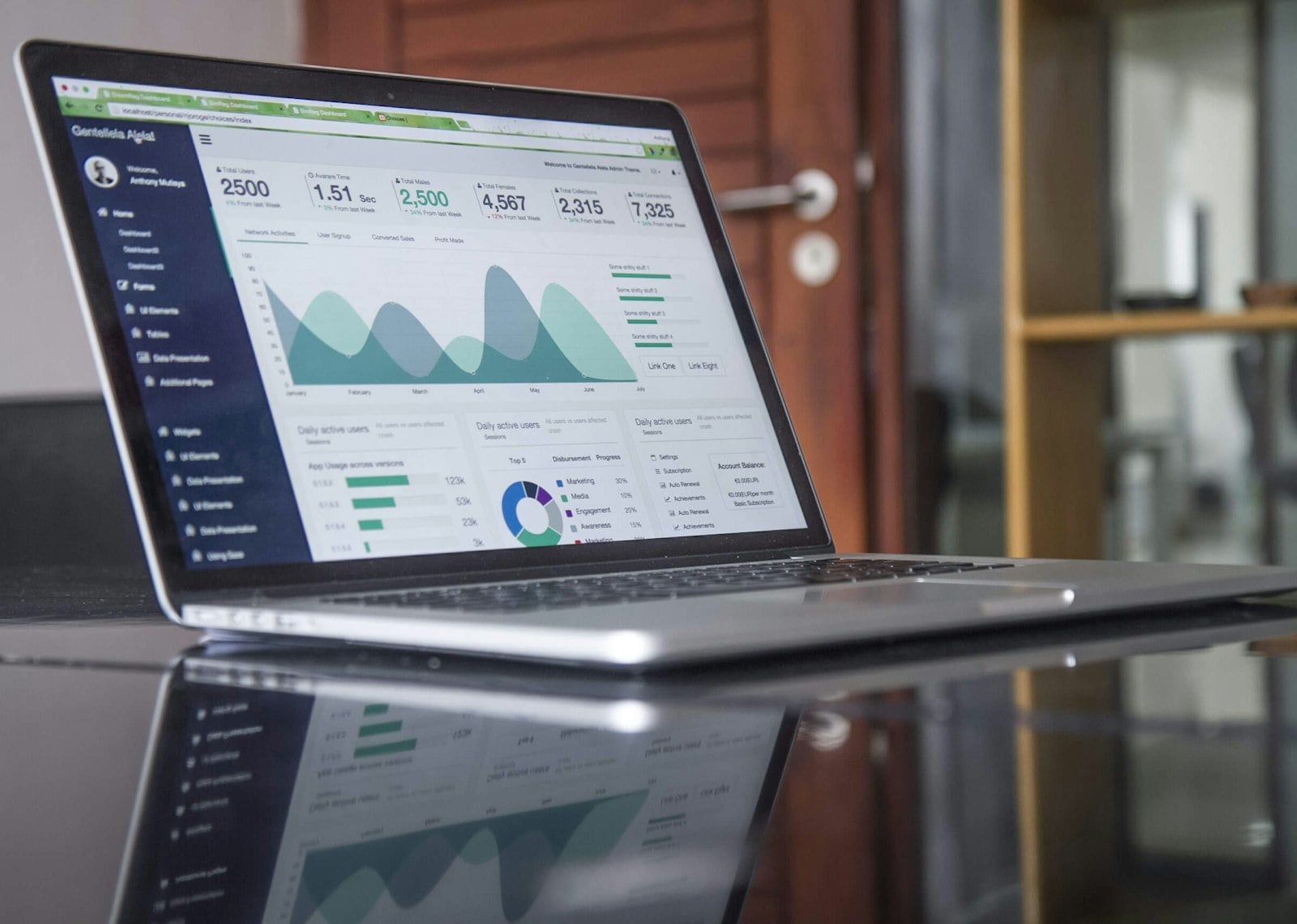
Every ticket carries a priority and a status
Illustrative example. Your actual queue depends on the tickets raised that week and the applications under support.
From a raised ticket to a closed one, on a defined SLA
Everything needed to keep an application running
Bug fixes
Defects are logged as tickets, fixed and verified before being closed.
Ticket triage and tracking
Every ticket is logged, prioritized and visible from the moment it is raised.
Minor enhancements
Small feature requests and improvements are handled inside the same queue.
Uptime monitoring
Checks run against your application so issues surface before users report them.
Defined response SLA
A response-time target per priority tier, agreed before work begins.
Status reporting
A regular update on open, in-progress and resolved tickets.
What Application Support changes day to day
Why teams use application support through TCB Infotech
Application Support, answered
What counts as an application support ticket?
How fast will a ticket get a response?
Do you fix bugs and also monitor uptime?
Can support handle new feature requests?
How do I raise a ticket?
Is there a minimum commitment?
Get Application Support in Place
Stop letting bugs and small requests pile up. Book a free consultation and tell us which applications need coverage.
Book a Free Consultation →No commitment. Get an SLA proposal before you decide.
How Application Support Works
From a raised ticket to a closed one. Here is how tickets get triaged, fixed and monitored under a defined SLA.
Intake, triage and resolution, in that order
Every ticket assigned a priority tier before work starts
Bugs, user issues and small requests are logged through your existing tool, then triaged into a P1, P2 or P3 tier that sets the response-time target.
- Logged through your existing channel.
- Triaged into a priority tier at intake.
- Response time set by the tier, not decided ad hoc.
Nothing ships to production without a test pass
A support engineer picks up the ticket within its SLA window, makes the fix or enhancement, and tests it before it goes live.
- Picked up within the SLA window.
- Tested before release, not after.
- Closed with a note on what changed.
Issues caught before users report them
Automated checks run against the application, and alerts land in the same ticket queue, alongside a regular status report on what is open, in progress and resolved.
- Checks run against the live application.
- Alerts logged as tickets, not lost in chat.
- Regular status report on the queue.
Everything included in the engagement
Bug fixes
Defects logged, fixed and verified before closing.
Ticket triage and tracking
Every ticket logged, prioritized and visible.
Minor enhancements
Small requests handled inside the same queue.
Uptime monitoring
Checks run against your application continuously.
Defined response SLA
A response-time target per priority tier.
Status reporting
A regular update on open and resolved tickets.